
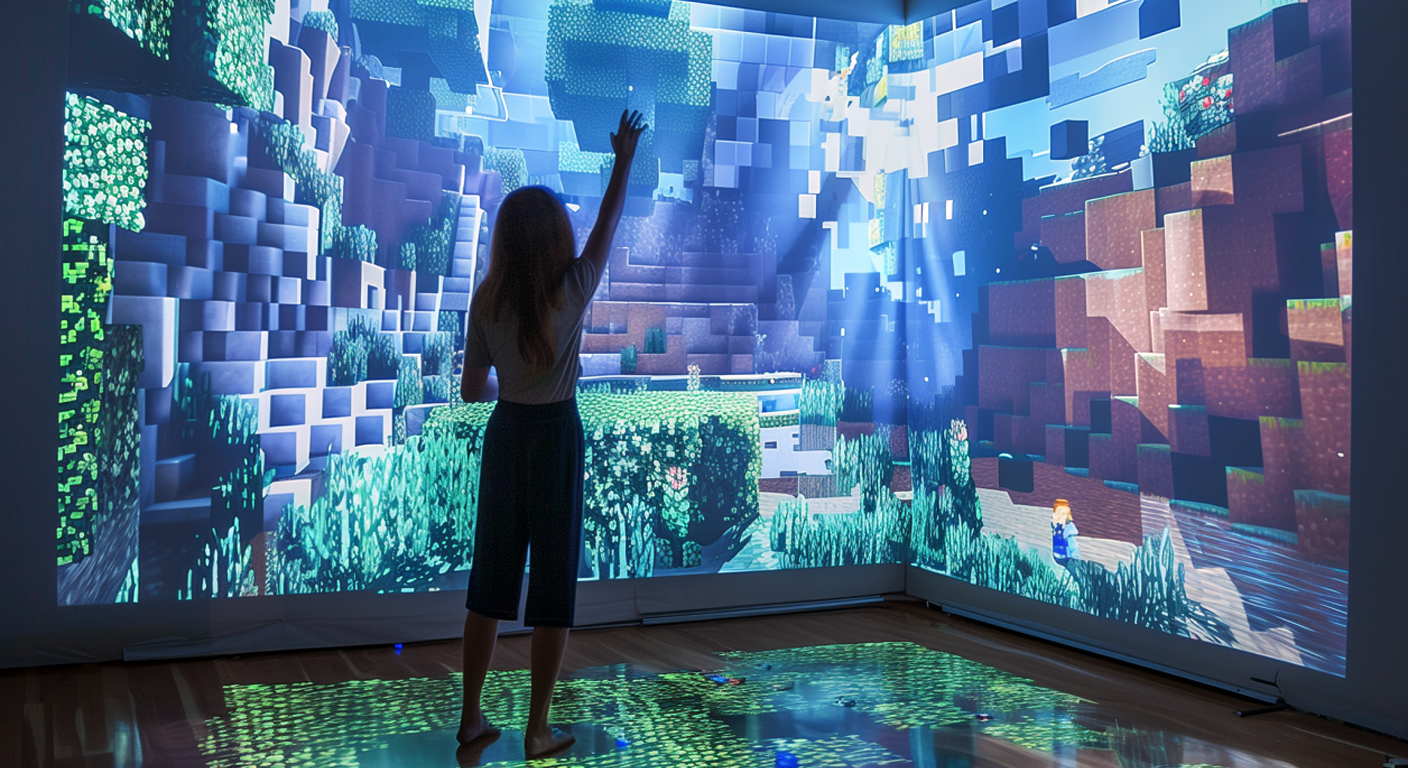
First-Person Gaming Reimagined
MotionInput First Person Blocks brings head tracking and gesture controls to first-person games. Look around by moving your head, aim with hand gestures, and interact with the world in the most natural way possible. Perfect for Minecraft, Portal, and countless other first-person experiences. When combined with larger screens and projection displays, it gives a VR without the VR Headset feel.
Compatible Games
Minecraft
The world's most popular sandbox game becomes even more immersive with gesture controls. Build, mine, and explore using natural hand and head movements.
- Head tracking for looking around the world
- Hand gestures for breaking and placing blocks with MotionInput Pinch!
- Movement controlled via keyboard or gesture-based walking
- Inventory navigation with MotionInput Wave
Portal & Portal 2
Coming Soon: Solve mind-bending puzzles with intuitive gesture controls. Look around with head tracking and fire portals with hand gestures.
- Head tracking for aiming portal gun
- Gesture-based portal firing
- Natural looking and movement
- Enhanced immersion in puzzle solving
First-Person Adventures
Explore vast worlds and experience stories with your whole body involved in the gameplay.
- Skyrim - Explore Tamriel with gesture-based interaction
- Fallout - Navigate the wasteland hands-free
- Subnautica - Underwater exploration with natural controls
- No Man's Sky - Space exploration reimagined
Creative & Building Games
Build and create with hands-free controls for a more tactile creative experience.
- Terraria - 2D building with gesture controls
- Roblox - Play and create in the metaverse
- LEGO Worlds - Build with virtual bricks
- Creativerse - Sandbox creativity
First Person Blocks Demo
See how MotionInput First Person Blocks enables touchless Minecraft gameplay.
MotionInput FPS Apps
MotionInput First Person Blocks
Designed specifically for Minecraft and voxel-based games. Head tracking for looking, hand gestures for interaction.
- Dual hands for first person control (WSAD and Mouse)
- Hand gestures like closing a fist for clicking/selecting
- Optimised for first person games
- Low latency tracking
- Setup from the Microsoft Store
How FPS Controls Work
Right Hand = Camera
Move your Right Hand to look around. Turn left, right, up, and down naturally.
Hands Closing = Action (for both hands)
Use left and right hand closing gestures to click, fire, action, place items, and interact.
Left Hand = Movement
WASD for movement by your Left Hand to produce game control walking.
Build & Explore
Combine all controls for a unique, immersive gaming experience.
Tips for Best Experience
Good Lighting
Ensure your body is well-lit from the front for accurate hands tracking.
Camera Position
Position your webcam at eye level for natural head movement tracking.
Adjust Sensitivity
Start with lower sensitivity and increase as you get comfortable.
Take Breaks
Hands based gaming is engaging—remember to rest your arms periodically.
Benefits of Touchless FPS
Natural view through a camera
Like pointing a camera around just like you would in real life
Accessible
Enables FPS gaming for those who can't use mouse/keyboard but can clench their fists
Immersive
Body involvement creates deeper game connection
Fun Factor
Adds a new dimension of enjoyment to familiar first person games
Play Minecraft Your Way
Download MotionInput First Person Blocks and experience Minecraft like never before.
Download First Person Blocks