
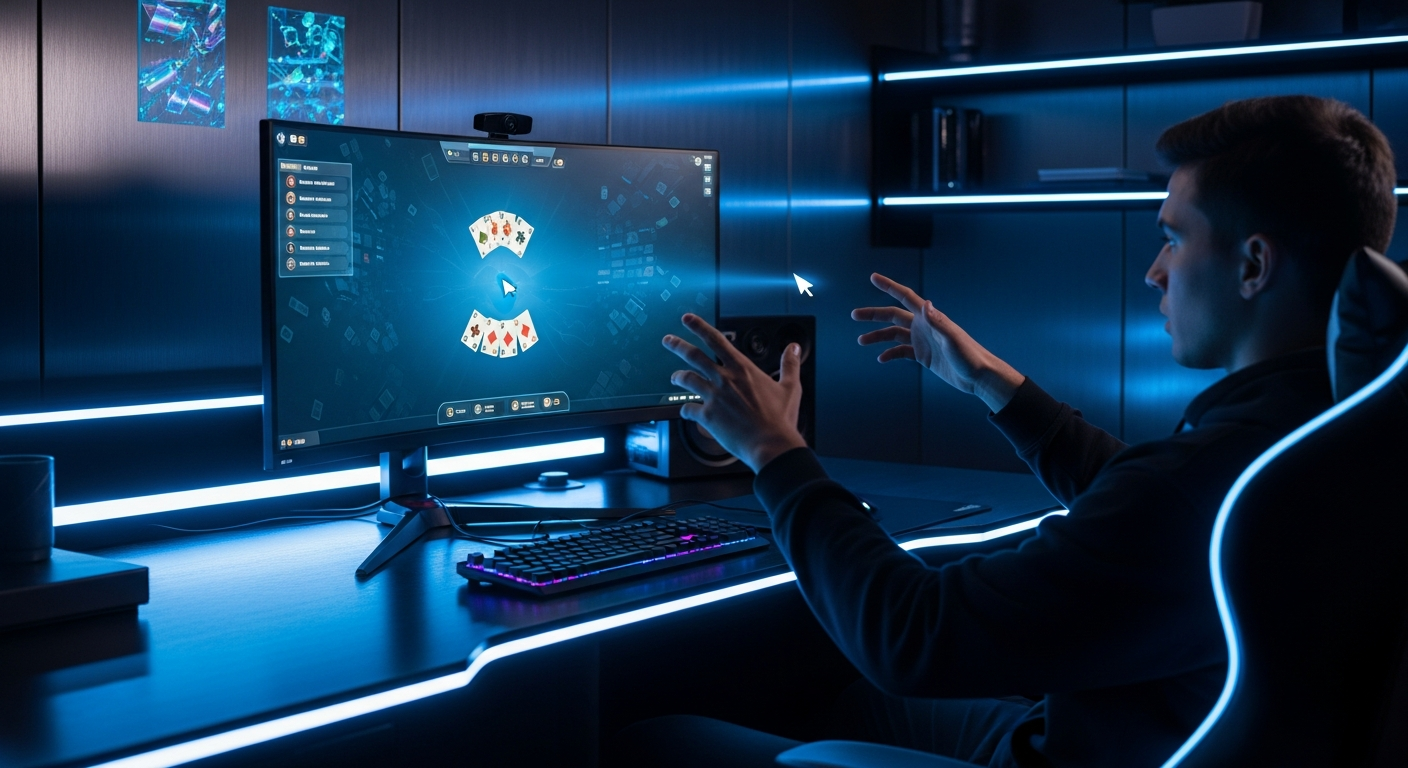
Control Your Cursor in Mid-Air
MotionInput Pinch! transforms your webcam into a precise mouse controller. Simply move your hand to control the cursor, and pinch your fingers together to click. It's intuitive, responsive, and works with any game or application that uses mouse input.
Perfect for These Games
Casual & Puzzle Games
Point-and-click games become even more engaging with gesture control. Experience a new level of immersion in your favorite casual titles.
- Angry Birds - Pull back and release the slingshot with natural drag gestures
- Solitaire & Card Games - Drag cards with fluid hand movements
- Hidden Object Games - Click to discover items without mouse fatigue
- Match-3 Games - Swap tiles with quick pinch gestures
Strategy Games
Navigate complex strategy interfaces and manage your empire with natural hand movements.
- Civilization - Build empires with gestural control
- Age of Empires - Select units and issue commands
- SimCity / Cities: Skylines - Design cities with intuitive gestures
- XCOM - Position soldiers and select targets
Point-and-Click Adventures
Explore worlds and solve puzzles with the most natural interface—your hands.
- Classic adventure games (Monkey Island, Myst)
- Visual novels and interactive fiction
- Escape room games
- Detective and mystery games
See It In Action
Watch how MotionInput Pinch! enables precise cursor control with simple hand gestures.
The MotionInput Pinch! App
MotionInput Pinch!
The core touchless mouse experience. Move your hand to control the cursor, pinch to click, and drag with ease. Works with every application on your PC.
- Precise cursor tracking
- Left click with pinch gesture
- Drag and drop support
- Adjustable sensitivity
- Works with any application
MotionInput Air
Coming Soon: Advanced multitouch adds right-click, scroll, and multi-finger gestures for even more control options, combined with optional speech inputs.
MotionInput Wave
Simple hand waving navigation gestures for scrolling through browser docs and websites, swiping through photo galleries, turning online book pages, combined with optional speech inputs.
How It Works
Open Hand
Show your open palm to the camera to activate cursor control. Move your hand to move the cursor.
Pinch to Click
Bring your thumb and index finger together to perform a click. Release to let go.
Drag & Drop
Pinch and hold while moving your hand to drag items across the screen.
Play!
Enjoy your favorite games with a whole new control method.
Benefits
Arm and hand exercises
Natural hand movements for pinching in the air
Fun & Engaging
Adds a new dimension of interactivity to casual games, especially with physics-based responses
Accessible
Enables gaming for some who cannot use traditional mice
Universal
Works with any game or app that uses mouse input
Start Playing Today
MotionInput Pinch! is currently in early access and available to download from the Microsoft Store.
Download MotionInput Pinch!