
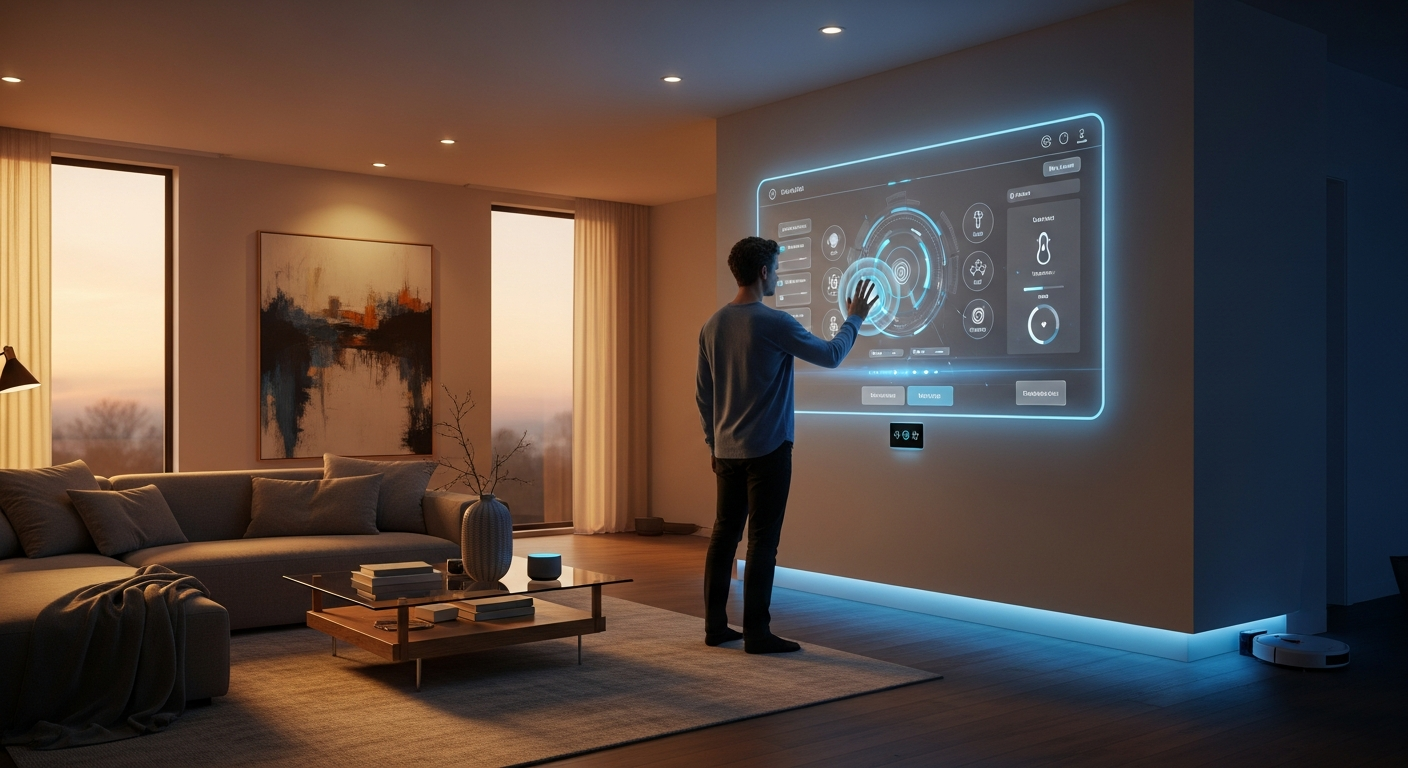
The Gesture-Controlled Home
As smart home technology becomes ubiquitous, the challenge shifts from capability to convenience. MotionInput enables natural gesture control for home terminals, kitchen displays, and entertainment centers—making smart home technology truly effortless to use.
Home Applications
Smart Home Control Panels
Wall-mounted home terminals become more intuitive with gesture control. Adjust lighting, temperature, and security without leaving fingerprints on sleek displays.
- Lighting scenes with MotionInput Wave
- Thermostat adjustment with hand positioning
- Security camera browsing with MotionInput Pinch!
- Door lock and access control
Kitchen Displays
Control recipes, music, and timers while cooking—even with messy hands. Gesture control keeps screens clean when you're covered in flour or marinading chicken.
- Recipe scrolling with wave gestures
- Timer controls with pinch activation
- Video playback for cooking tutorials
- Voice and gesture shopping list management
Entertainment Centers
Transform your living room experience with gesture-controlled media. Browse content, adjust volume, and control playback from anywhere in the room.
- Media navigation with MotionInput Air
- Volume and playback controls
- Gaming integration
- Multi-room audio management
Elderly & Accessibility
For seniors and those with mobility challenges, gesture control can be easier than small touchscreen buttons. Customizable gestures adapt to individual abilities.
- Large, forgiving gesture zones
- Emergency alert activation
- Medication reminders and health tracking
- Video calling with family
MotionInput at Home
MotionInput Pinch!
Perfect for selecting specific controls—turn on particular lights, select music tracks, or confirm settings changes with a simple pinch gesture.
Get from Microsoft StoreMotionInput Air
Coming Soon: Full multitouch in the air—pinch to zoom on security cameras, rotate to adjust lighting angles, and swipe through photo galleries.
MotionInput Wave
Simple wave gestures for everyday tasks—dim the lights with a downward wave, raise them up, skip to the next song, or navigate between rooms.
Everyday Scenarios
Morning Routine
Wave at your bedroom terminal to check today's weather and calendar while getting dressed. Gesture to start your coffee maker and open the blinds.
Cooking Dinner
Scroll through recipes without washing your hands between every step. Start timers and adjust music volume with gestures while your hands are busy.
Movie Night
Dim the lights, start your film, and adjust the volume—all from the couch using simple hand gestures. Pause with a pinch when someone knocks.
Bedtime
A simple wave gesture activates your "goodnight" routine—turning off lights, locking doors, setting the alarm, and adjusting the thermostat.
Benefits for Homeowners
Effortless Control
Control your home from anywhere in a room
Clean Displays
Keep screens fingerprint-free and pristine
Family Friendly
Simple enough for children and grandparents
Accessibility
Empower household members with mobility challenges
Smart Home Integration
MotionInput works alongside your existing smart home ecosystem:
Windows Integration
Works natively with Windows smart home apps and connected devices
Universal Control
Can be configured to trigger any keyboard shortcut or system action
Custom Gestures
Create personalized gesture shortcuts for your specific routines
Privacy First
All processing happens locally—your home stays private
Make Your Home Smarter
Download MotionInput and start controlling your smart home with gestures
Get MotionInput Pinch!